Payment Options
Choose the payment method that works best for you—whether through our online Customer Portal, Zelle, or CashApp.
Important Notice for Zelle & CashApp Payments
You MUST include your house number and street name in the payment note/memo section (for example: 123 Example Dr). If you do not provide your service address in the note section, we may not know which account to apply your payment to.
Customer Portal
Manage your account online, view invoices and service documents, set up AutoPay, or make a one-time payment directly through PestConnect.
ACH / Bank Transfer (Preferred)
No processing fee! Fast, secure, and automatically applied directly to your Peach Town account.
Credit & Debit Card Fee
All credit and debit card payments carry a standard processing fee of 3.52% + $0.30 across the board. Choose ACH inside the portal to avoid card fees.
Check or Cash (No Fee)
Prefer to pay in person? We gladly accept cash or checks made payable to Peach Town Pest Control LLC at the time of service with zero processing fees.
Opens PeachTown.PestConnect.com in a new tab
Zelle
Open your banking app, select Send with Zelle, and search for our Zelle Tag PeachTown or scan the QR code below.
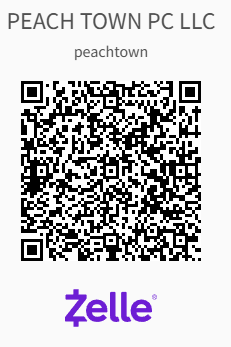
Scan with your banking app's Zelle QR scanner
Required in Zelle Memo: Enter your house number & street name (e.g., "123 Example Dr") so we can properly credit your account.
CashApp
Scan the QR code below or tap the button to pay $PeachTownPest directly in CashApp.
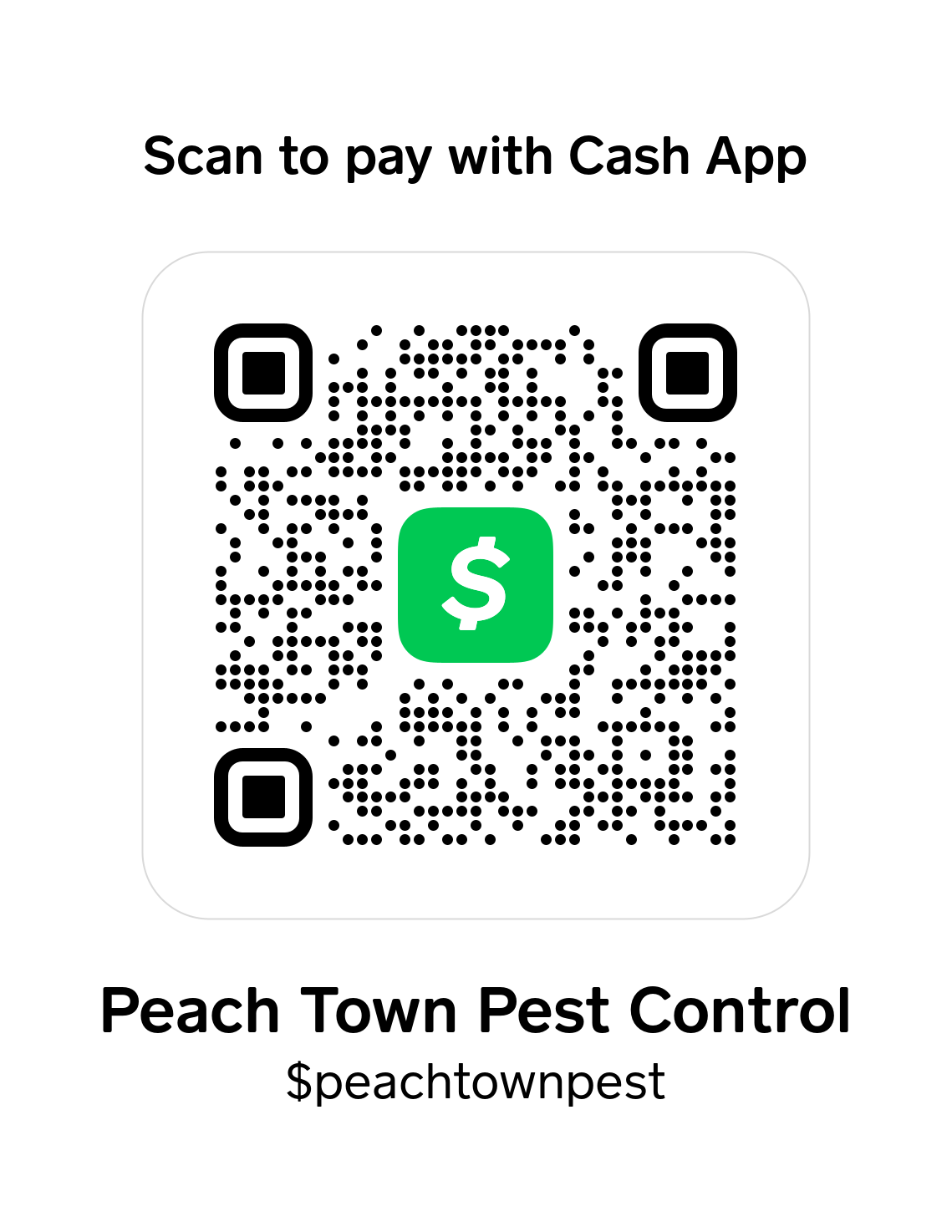
Don't have the app? Pay on the Cash App website
Required in "For" Note: Enter your house number & street name (e.g., "123 Example Dr") so we can properly credit your account.
Questions About Your Invoice or Payment?
Need help logging into your Customer Portal, setting up ACH AutoPay, or confirming a recent Zelle or CashApp payment? Give our local Hampton team a call.